Front desk
Create, move and cancel appointments for any provider from the shared calendar, for new or existing customers.
Team appointment scheduling
Give providers and reception a shared appointment workflow. Manage availability, assign staff access and review appointment performance from the business view.
Count everyone who needs a login, including reception and the owner. Open the live demo to see a fictional team at work.
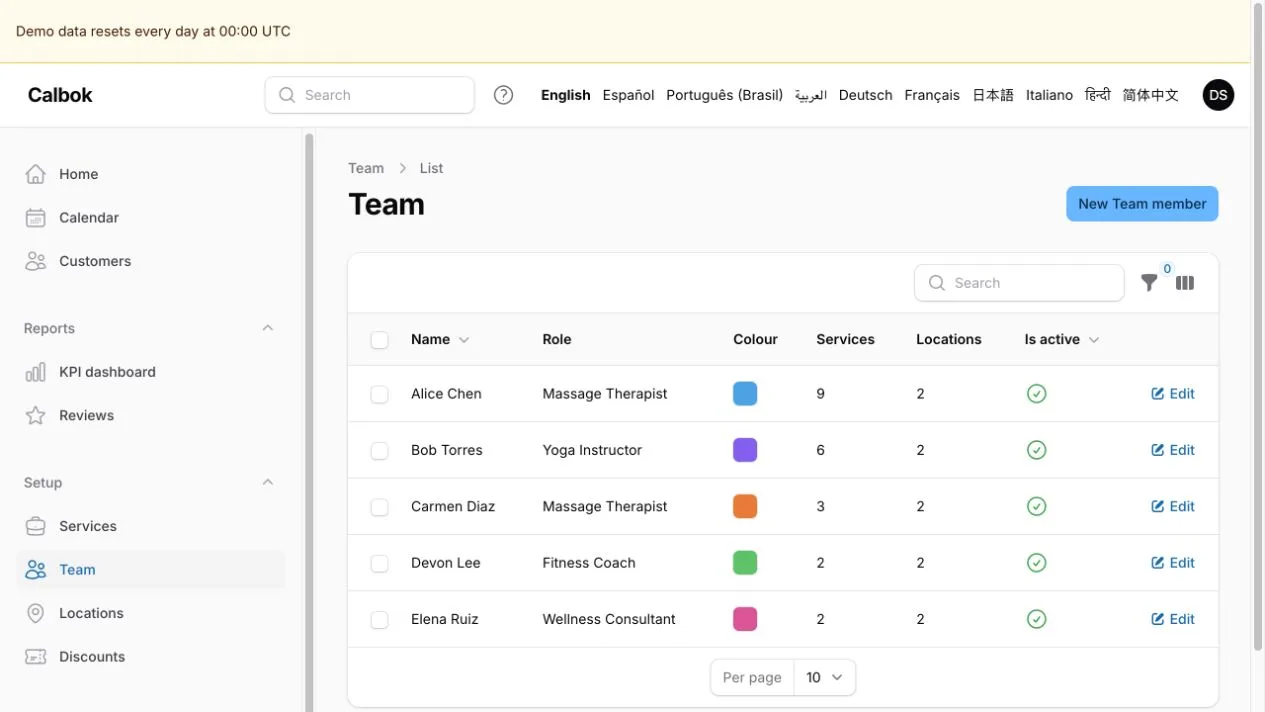
Roles decide what each person can see and change.
Create, move and cancel appointments for any provider from the shared calendar, for new or existing customers.
Work from their own bookable calendar, see their own appointments and manage their own time off.
See the calendar and customer list without creating, editing or deleting anything.
Manage settings, services, the team, reports and billing. Front desk staff do not reach billing or business settings.
Each provider's working hours, time off and location closures decide which times customers can book, so the booking page only offers times that are open.
Work across locations with their own time zones. See the day, the week or a list, and filter by team member or location.
See bookings, cancellations, no-shows and appointment value in Reports. Give team members access that matches their role, with provider schedules and customer access kept within their permitted scope.
Plans count total team logins, including the owner and pending invitations, and count provider calendars separately. Customers never use a team login.
Three providers including the owner, plus one receptionist, use four logins and fit Pro at $49 USD per month. A fifth login moves you to Max at $199 USD per month, which allows up to 25.
Share your booking link. Customers choose a service, a team member and an open time, and get a confirmation email. They can reschedule or cancel within your rules.
Yes. An owner who also takes appointments uses one place in each allowance: one team login and one provider calendar.
Pending invitations count as team logins until they are accepted or expire.
Read the setup guide, try the live demo or ask a product question. Running a clinic? See physical therapy scheduling.